
Send your first BillNip®
Step 1
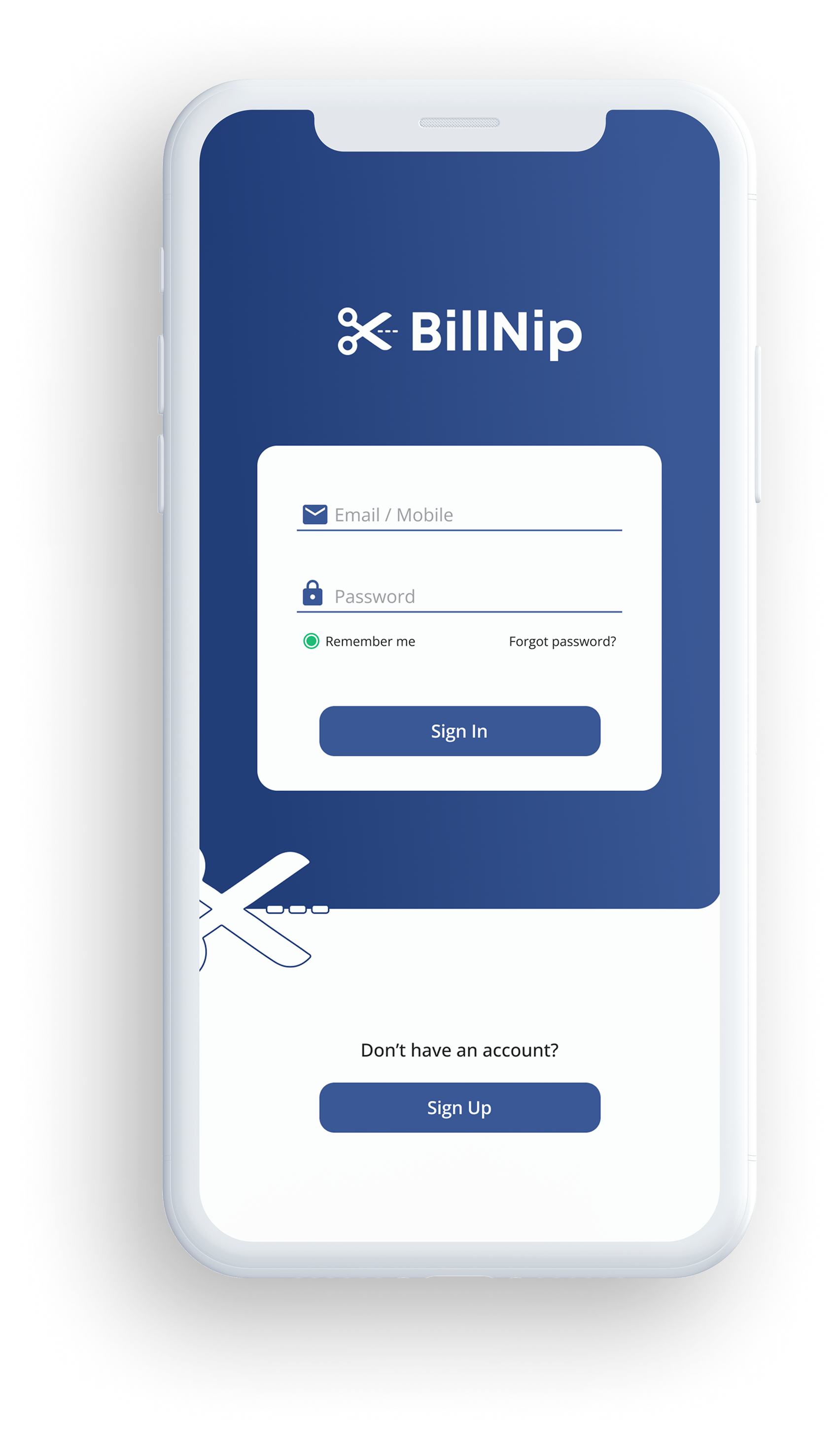
Download BillNip®
Start by downloading the BillNip app. Create your account and get set up in minutes.
Step 2
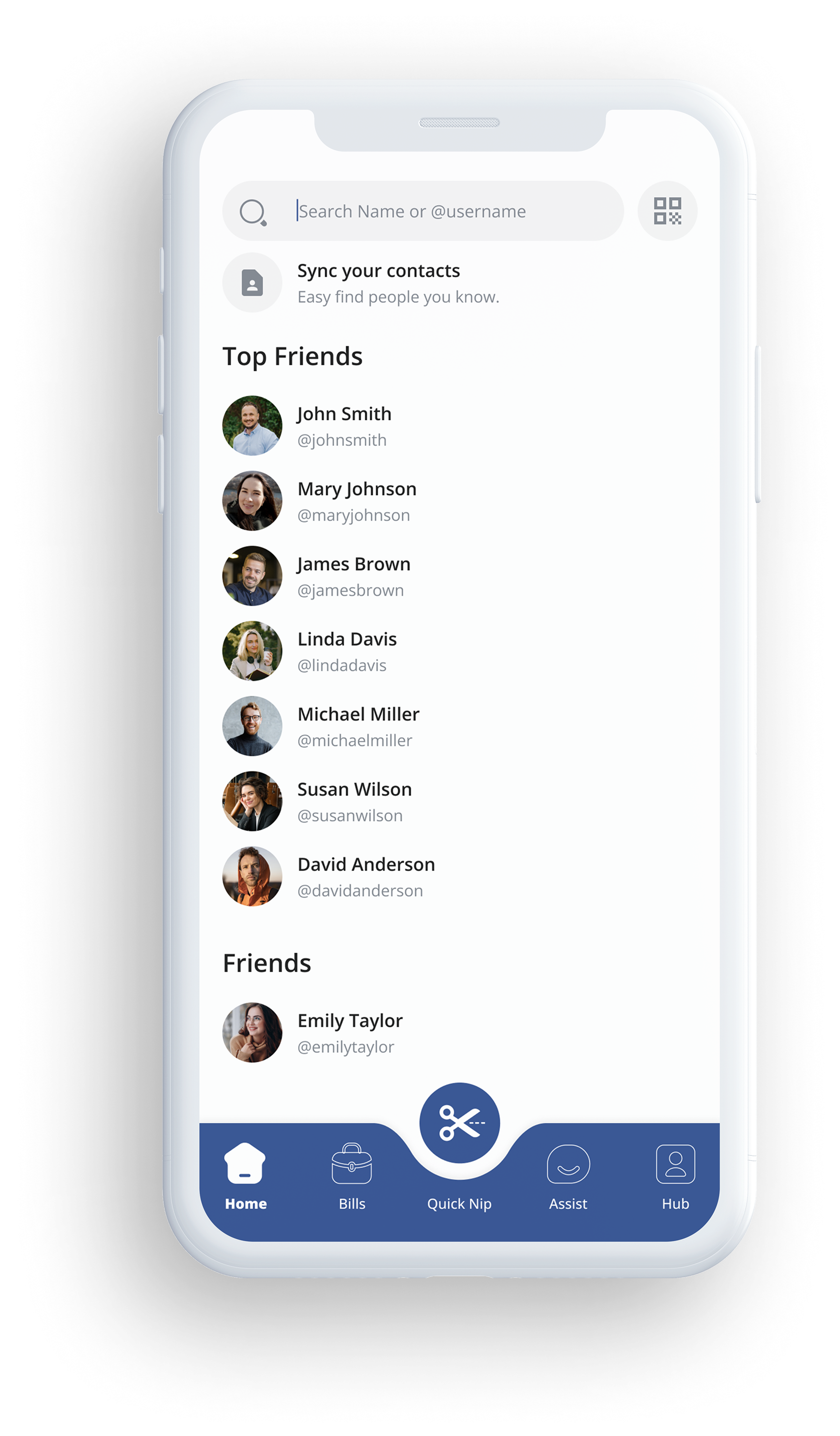
Invite family and friends
BillNip is designed for shared bills and everyday support. Invite the people you share expenses with or help financially. Connect and manage payments together, with full visibility and control.
Step 3
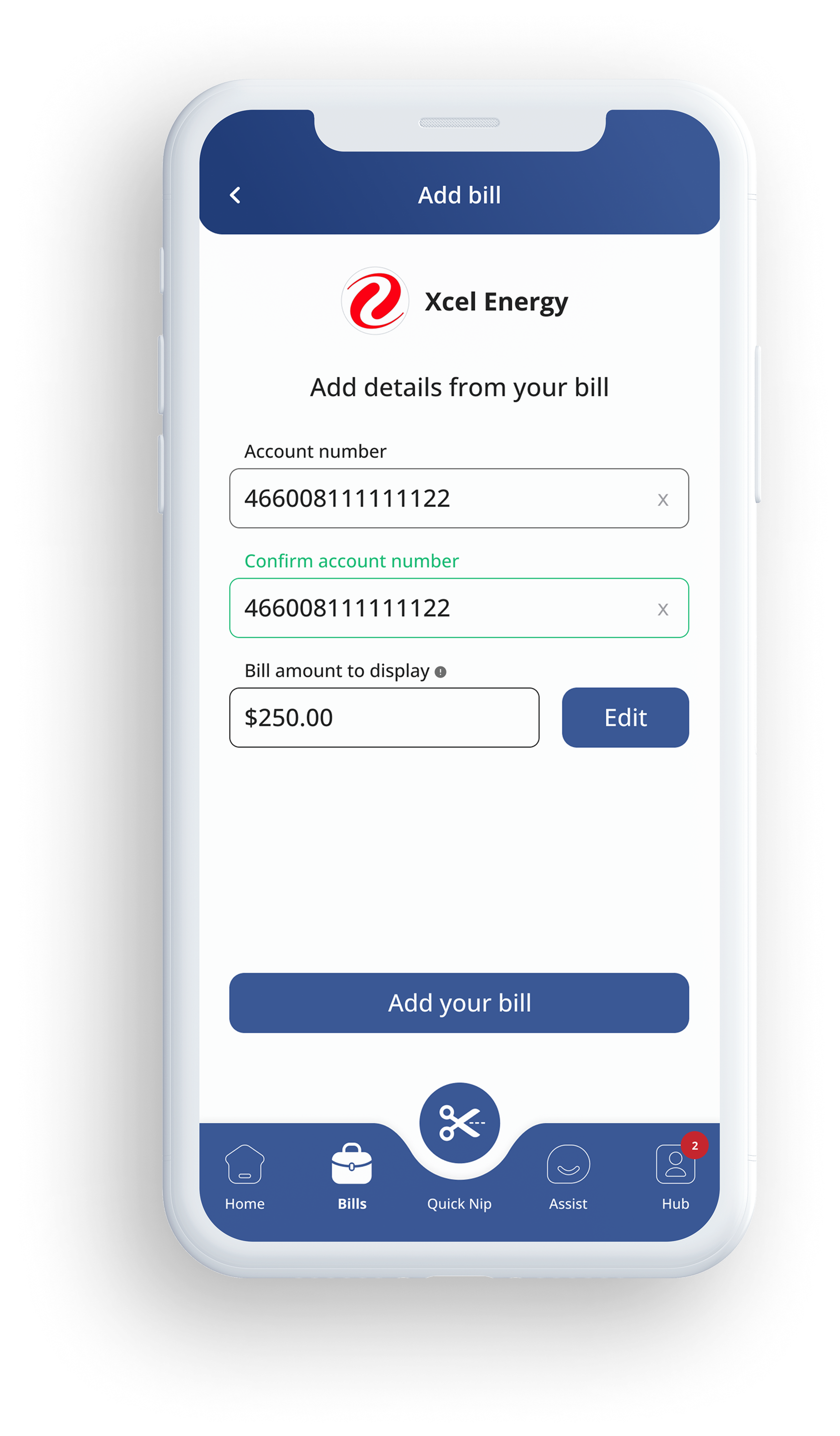
Enter your bills
Add your bills directly into the app. Once entered, bills can be shared, supported, or paid by others. No need to exchange account details or coordinate payments manually.
Step 4
Send a BillNip®
or Send BillNip® Cash
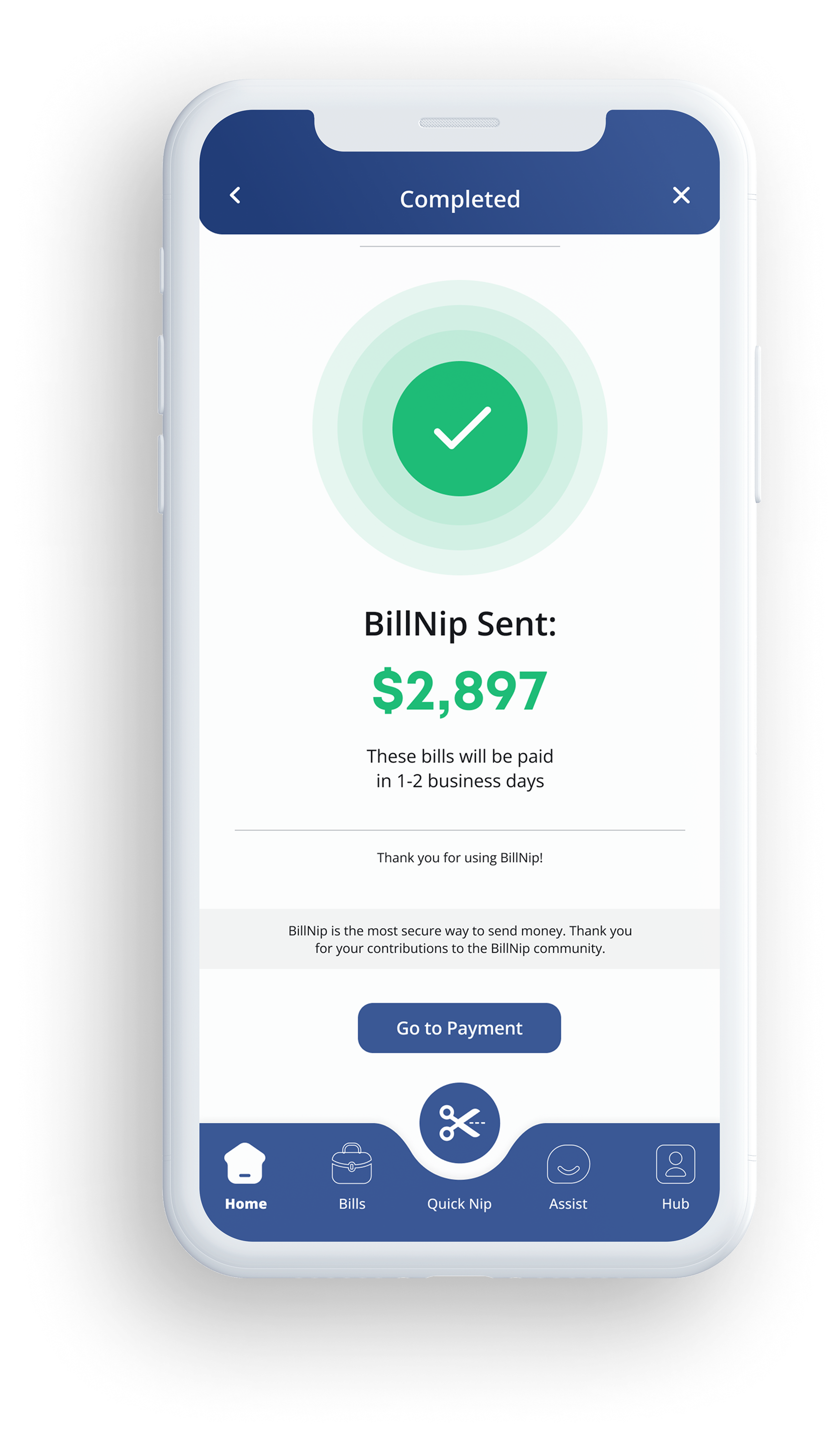
Send a BillNip to pay a bill directly or send BillNip Cash. BillNip Cash cannot be withdrawn and must be applied to a bill. Every payment goes directly to the biller, and both sides can track it from start to finish.
Step 5
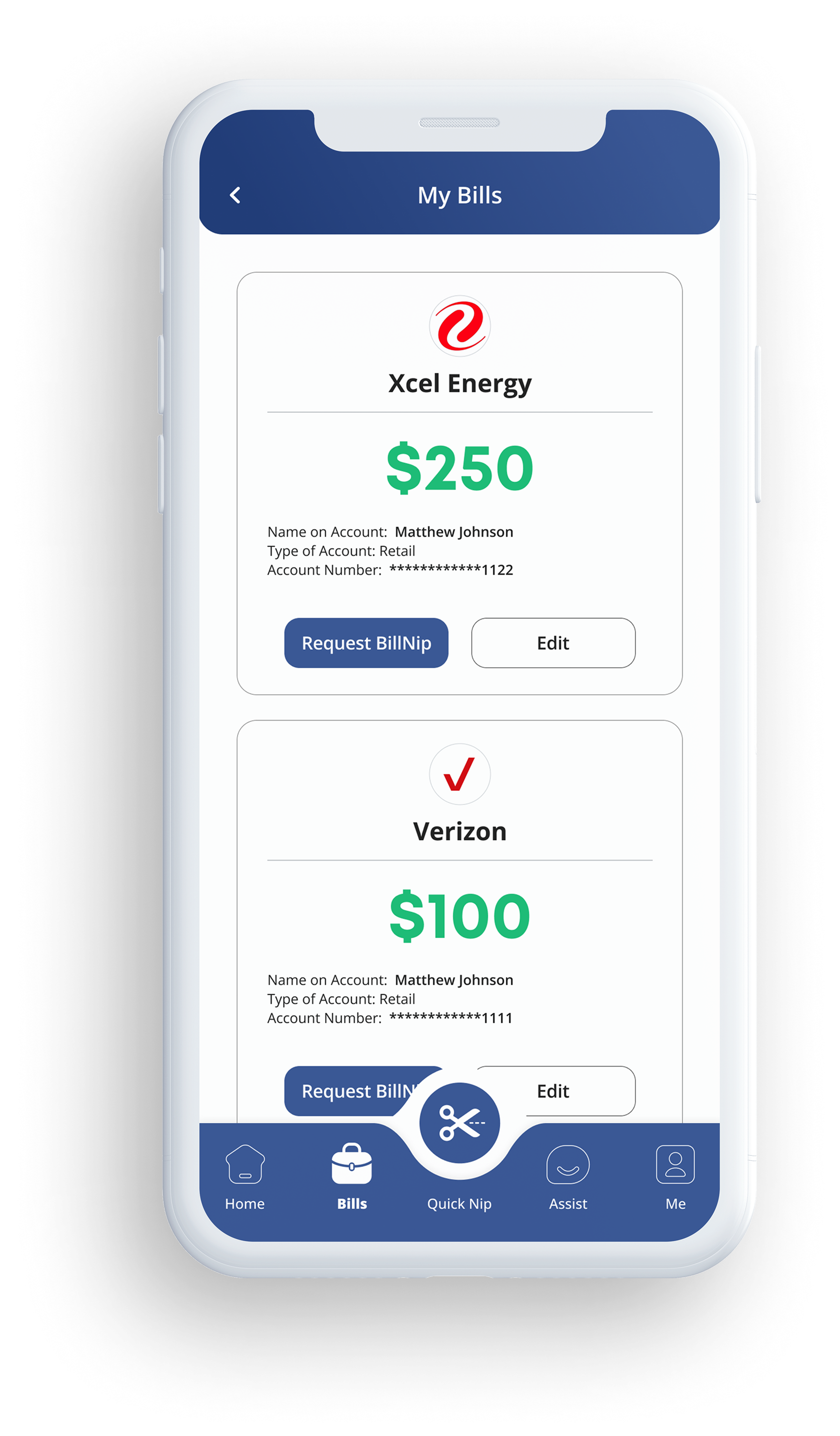
Manage your own bills
Use BillNip to manage and pay your own bills in one place. Stay organized, track payments, and keep everything in one place with full visibility.
Step 1
Download BillNip®
Start by downloading the BillNip app. Create your account and get set up in minutes.
Step 2
Invite family and friends
BillNip is designed for shared bills and everyday support. Invite the people you share expenses with or help financially. Connect and manage payments together, with full visibility and control.
Step 3
Enter your bills
Add your bills directly into the app. Once entered, bills can be shared, supported, or paid by others. No need to exchange account details or coordinate payments manually.
Step 4
Send a BillNip®
or Send BillNip® Cash
Send a BillNip to pay a bill directly or send BillNip Cash. BillNip Cash cannot be withdrawn and must be applied to a bill. Every payment goes directly to the biller, and both sides can track it from start to finish.
Step 5
Manage your own bills
Use BillNip to manage and pay your own bills in one place. Stay organized, track payments, and keep everything in one place with full visibility.
Start Using BillNip®
DownloadBillNip®